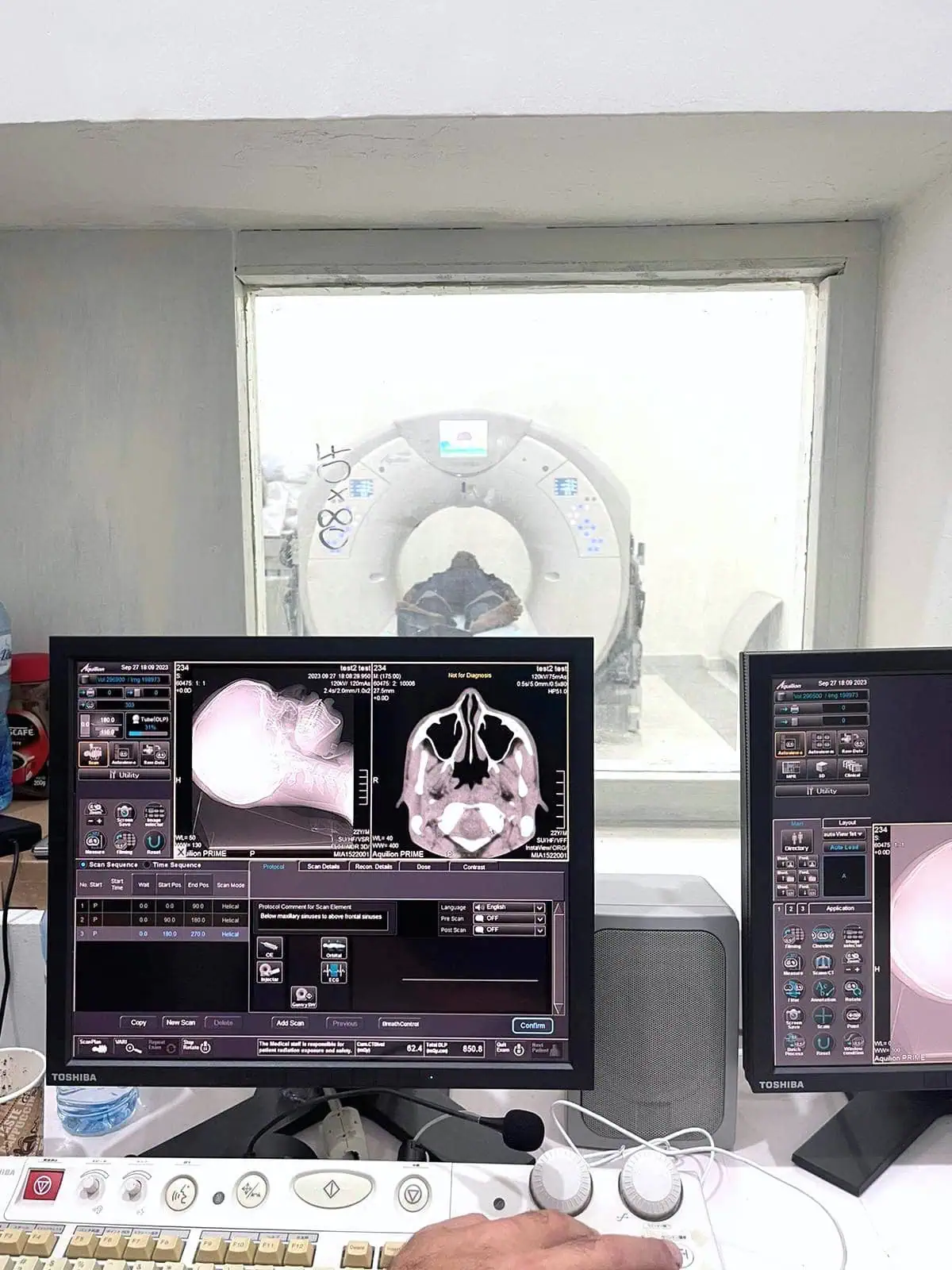
Africa – Customer Success Stories
Jun 12, 2025
Explore how we make quality healthcare accessible around the world. Read stories from Africa and discover our medical imaging equipment and parts.

In this tip, our engineer and trainer Joe Sam covers an important PM check on the connector pins for MRI coils when servicing your MRI system.
Hi, this is Joe from DirectMed Imaging, coming to you again with another tech tip.
Today, we’ll discuss MRI coil connectors. When a customer reports image quality problems with a particular coil, the first thing to check is the coil connections themselves.
Take a look at the coil’s RF connector pins; they might be bent, or the RF connectors could be damaged. It’s important to inspect both sides of the coil if it’s a dual-connector setup (such as a head coil).
For more tips like this, visit DirectMedImaging.com and explore our Resources page. If you have any questions, feel free to reach out.Servicing Siemens MRI Training Courses available! Learn more and Register today!
Questions, Comments, Concerns?
"*" indicates required fields
Africa – Customer Success Stories
Jun 12, 2025
Explore how we make quality healthcare accessible around the world. Read stories from Africa and discover our medical imaging equipment and parts.
Tech Tip – Finding Helium Level on Siemens Espree Magnet
Aug 15, 2022
In this tech tip, Nestor will show us how to find the helium level on a Siemens Espree magnet. Hello, my name is Nestor, Senior...
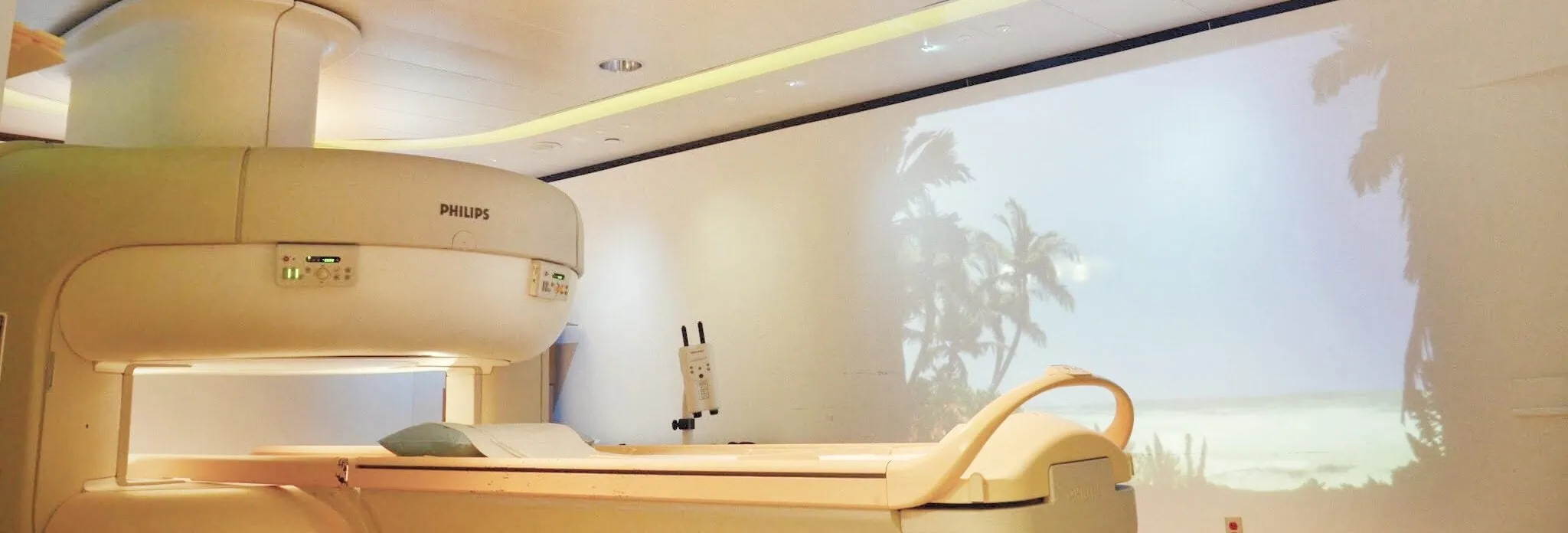
Ways to Differentiate Various Types of MRI Scanners
Aug 5, 2021
It’s absolutely necessary for clinics nowadays to get an MRI scanner. Considering it’s the best medical machinery for diagnostic imaging, it can be a massive...
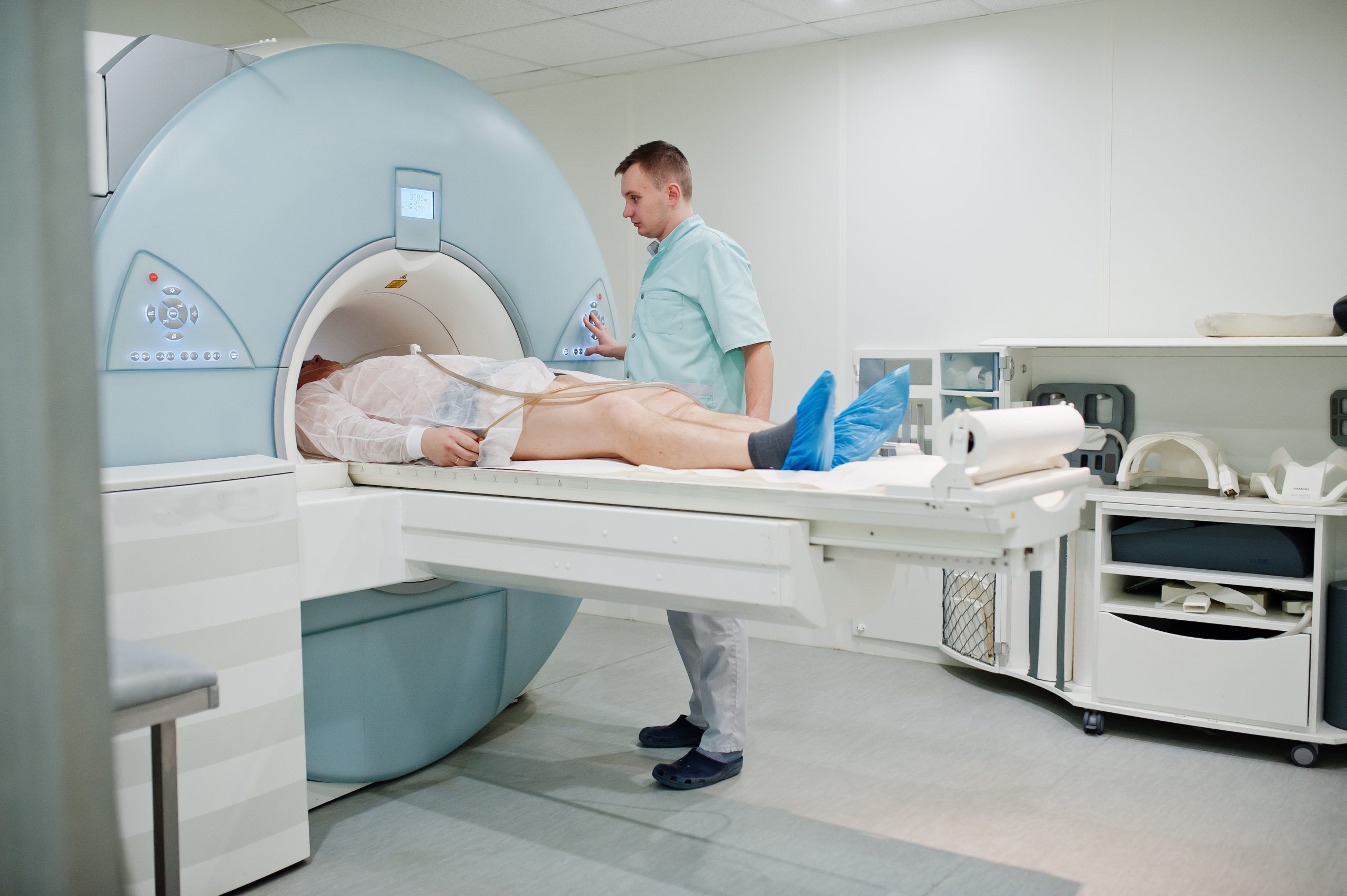
NMR and MRI – Are These Acronyms Interchangeable
May 20, 2021
“Time is money,” many often say. Time is a valuable resource; therefore, things should be done quickly and efficiently. The importance of time remains true...

Tips on Forecasting Demand for Your MRI Clinic
Mar 5, 2021
You may already have a multitude of machines in your clinic or medical facility. Even so, you may be thinking about adding new MRI equipment...

Our Ultimate Guide to Help You Buy the Best MRI Machine
Mar 5, 2021
The use of MRI as a medical imaging technique continues to grow yearly and is sustained by several factors. The reason behind this is that...
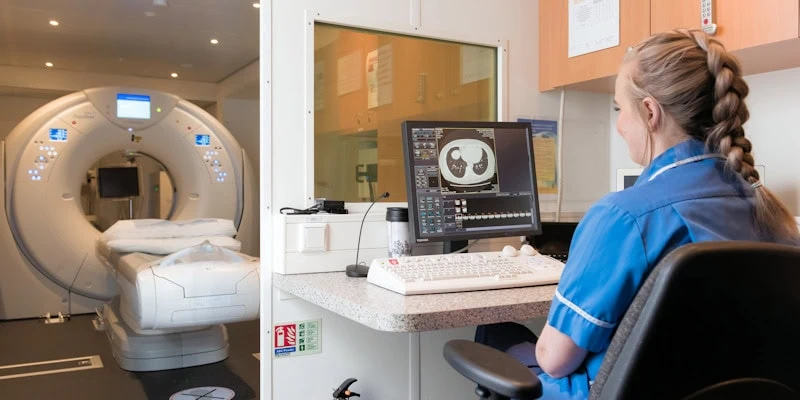
Operating an MRI – Some Safety Precautions You Need to Know
Dec 28, 2020
Most people generally understand that MRI machines are advanced medical equipment with many necessary restrictions and precautions around them. Since it generates a high-powered magnetic...

Systems Phantom Check on MRI Systems
Sep 8, 2020
In this tip Joe covers the Systems Phantom Check on your MRI systems, what to look for and what not to do when time to...

Points to Check for a Leak on MRI
Feb 5, 2020
Joe covers how to check for signs of a leak on your MRI magnet system. An important step when performing system maintenance that can catch...

Proper Magnet System Maintenance
Jan 8, 2020
In this tip our support engineer and MRI trainer Joe Sam covers signs to watch out for when performing proper magnet system maintenance on your...